
This article helps our Volunteer Squad keep the database clean and consistent! It pertains to members who have Creator access and above. If you're interested in getting involved, read more about joining the Squad here. We'd love to have you aboard!
Subject Galleries are the perfect way to show off details such as -
- Logos over time
- Important Employees
- Wheel Types
- Box Types
- Sticker Variations
- Evolution of character design (say Batman changes over time)
- Possible clasps and backs for pins and more
Here is an example of how to add a Subject Gallery - American Girl Logos over time
- Search for and Select the Subject that you would like to add a Gallery to. In this case, American Girl
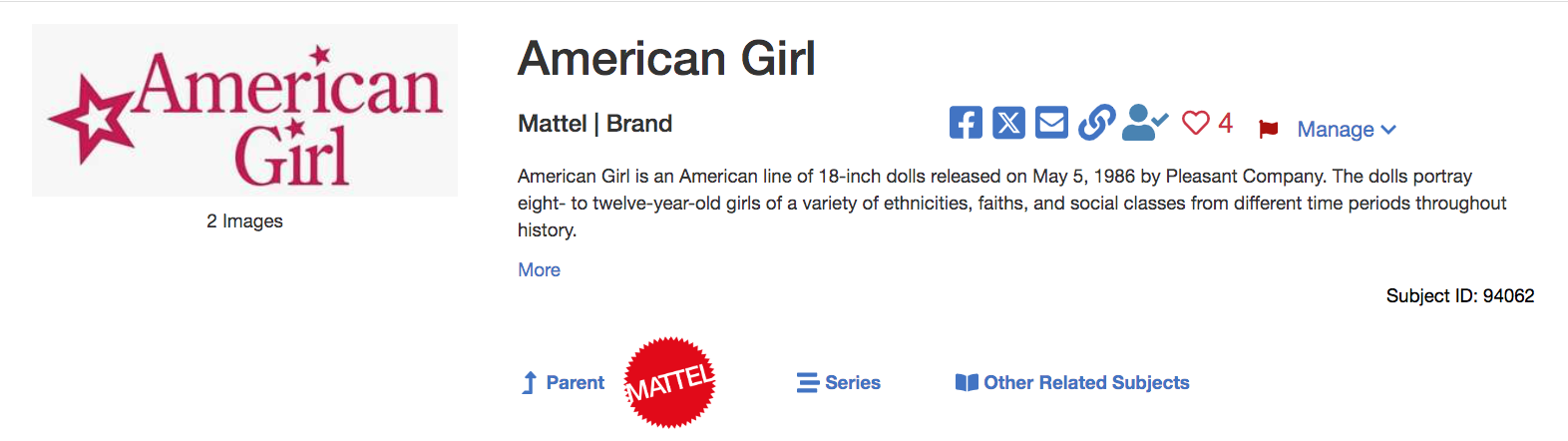
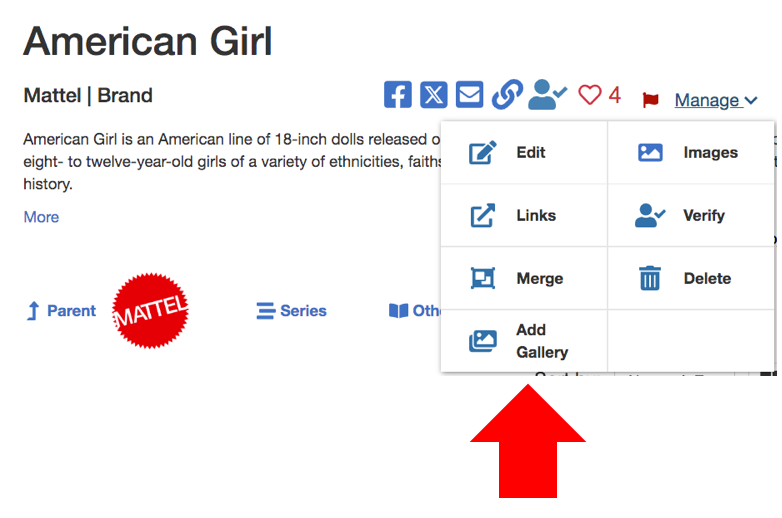
- Click Manage and then Add Gallery
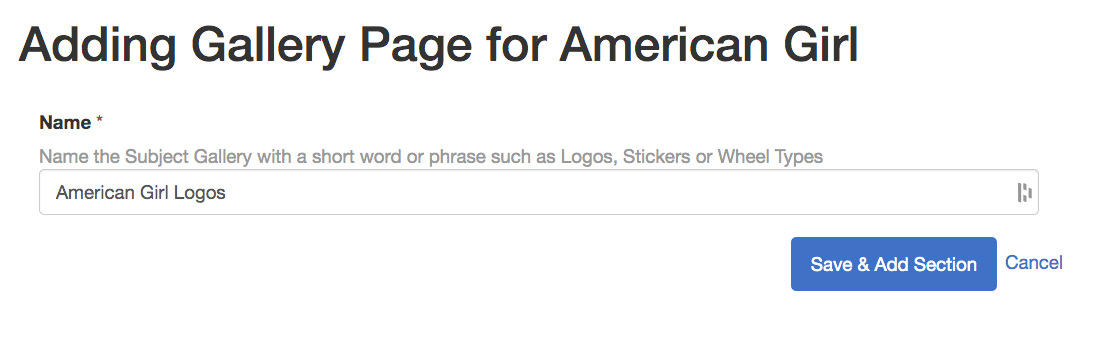
- Add a descriptive Name for your Gallery Page and click Save & Add Section
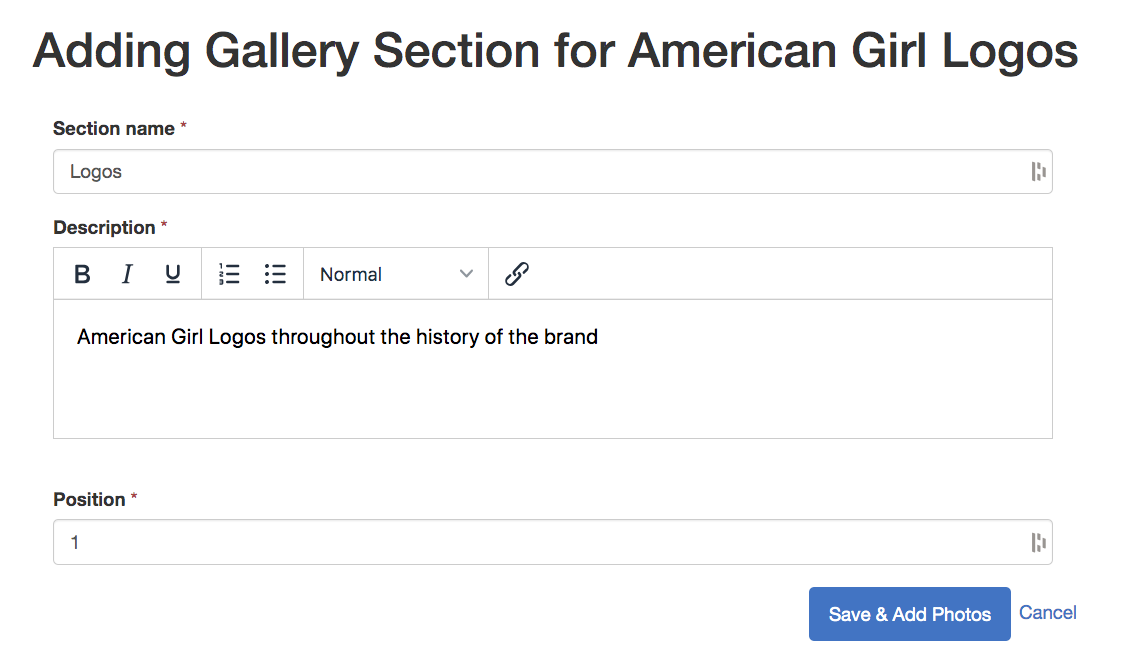
- Add the Section name, a description of the gallery, and the position, which is the order in which you want the Galleries to show if there are multiple for one subject.
- Add your photos with the titles, descriptions, and if you want to give credit to someone else for the image
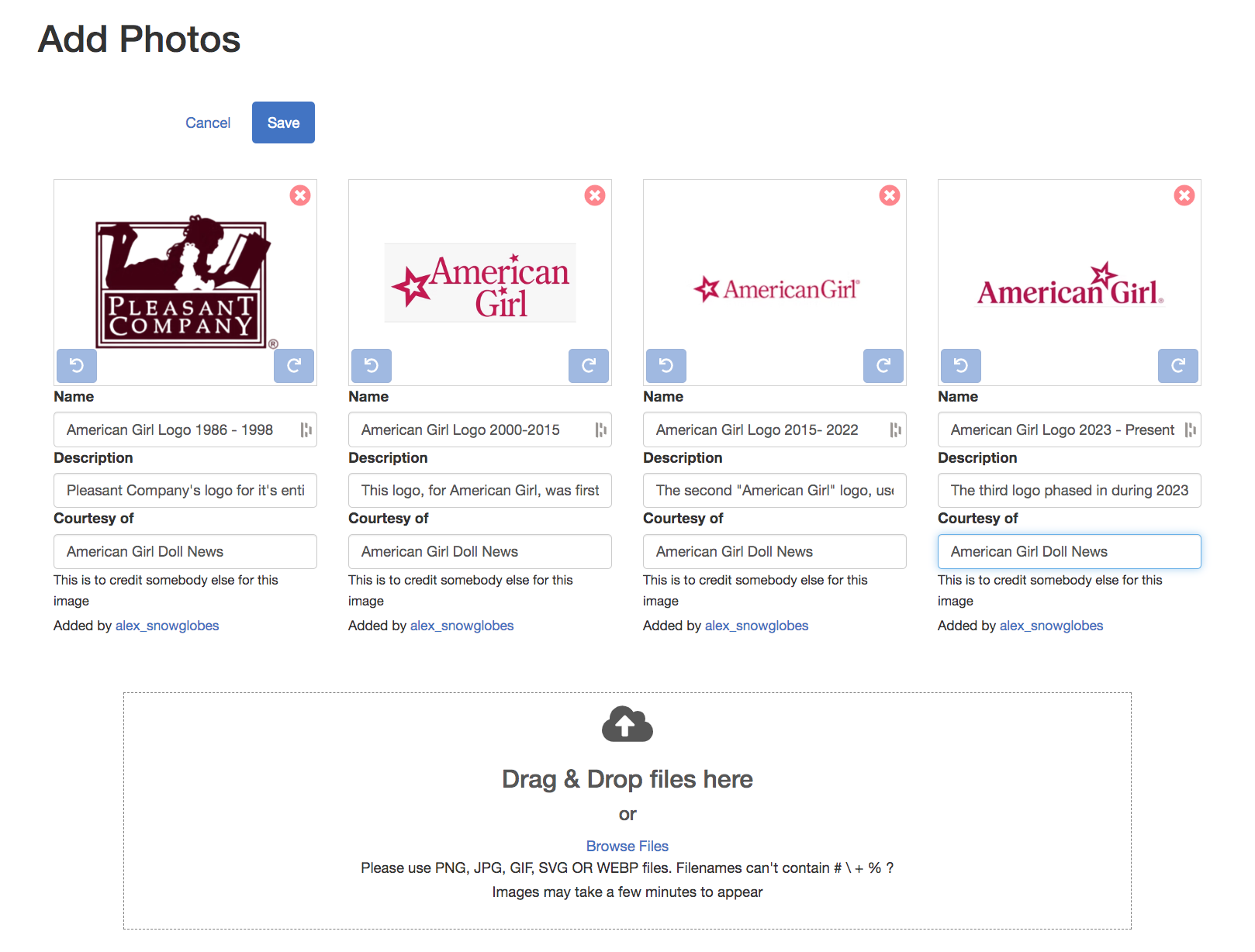
- Click Save and you'll be able to see your gallery within minutes!
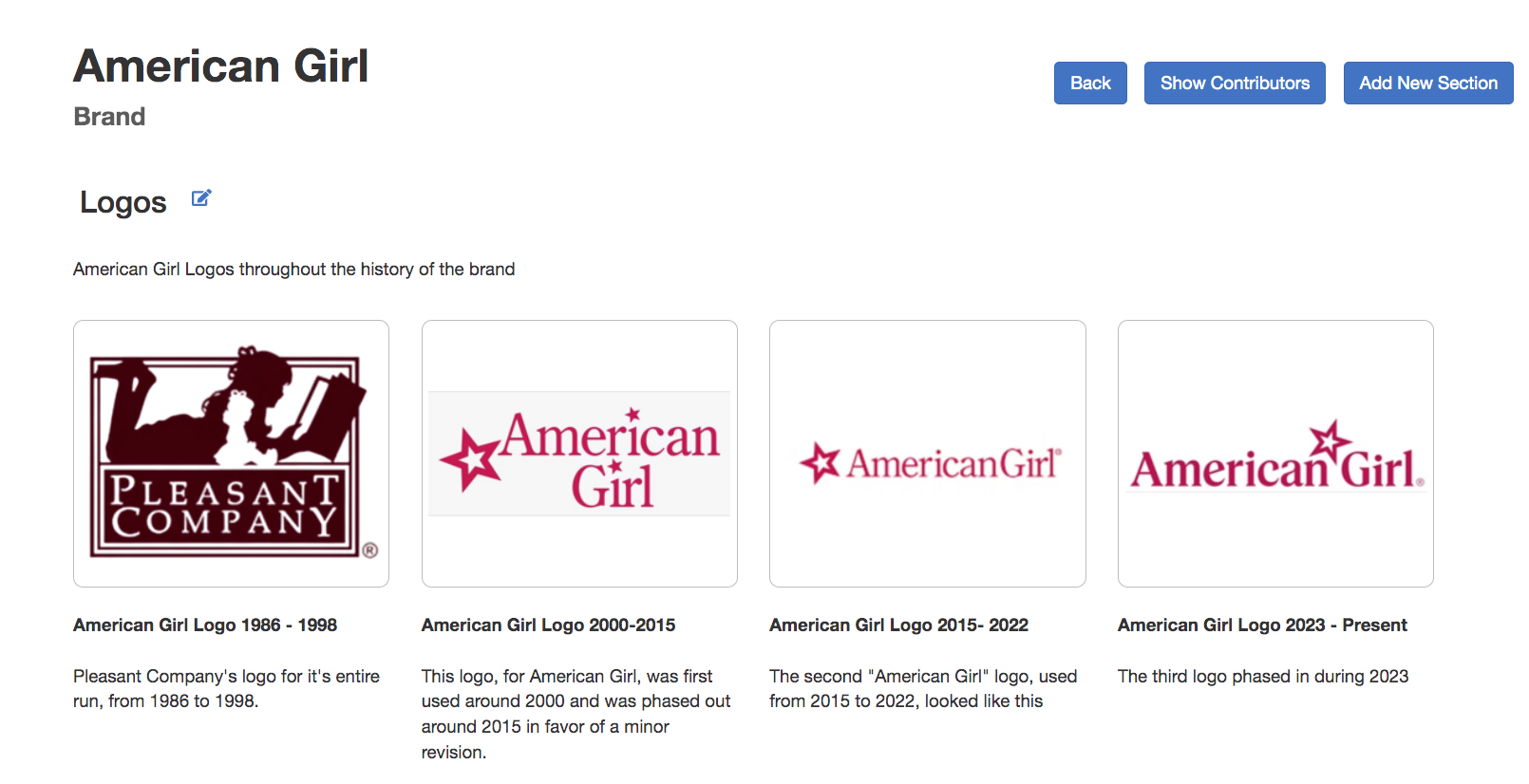
You can always add another gallery to the same subject by following the same steps as above :)
And here is a link to more examples of cool Subject Galleries!
If you are looking to add some photos to a Subject, but not create a Gallery, instructions for how to do so can be found here.