
Items View
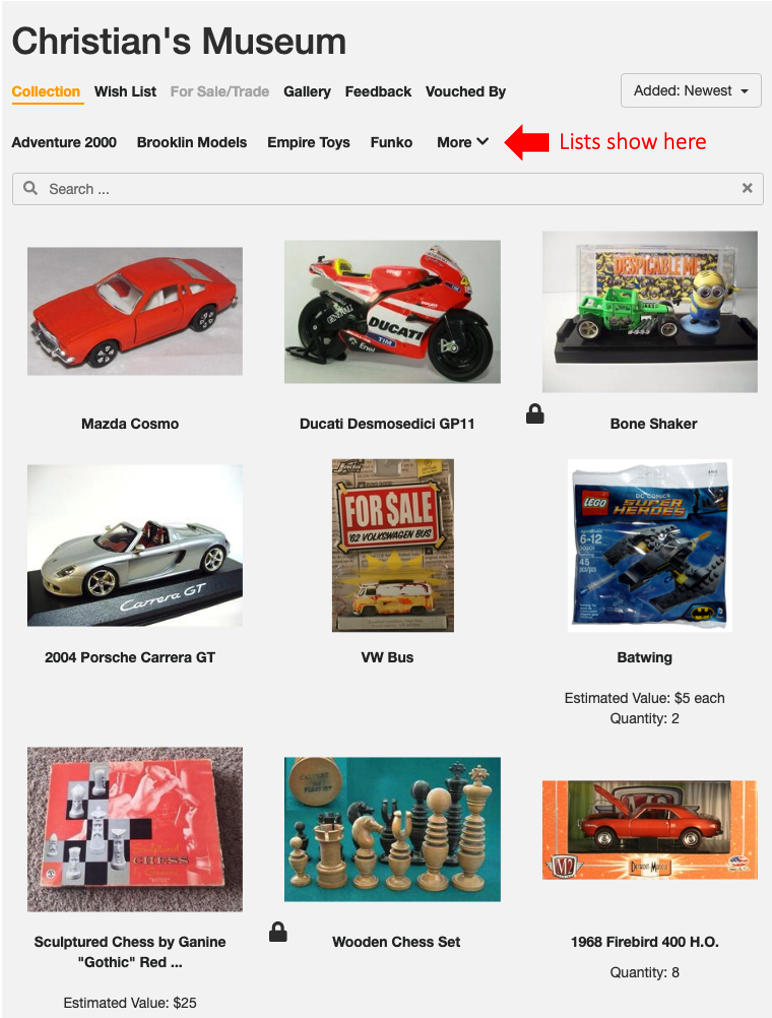
This is our default view and either shows all your items individually or all of the items of a specific List -
Folder View
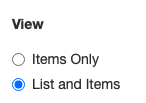
You can change to use the Folder List View. To activate this View, go to your Settings and click on your Showcase. Under the View section, make sure to click List and Items.
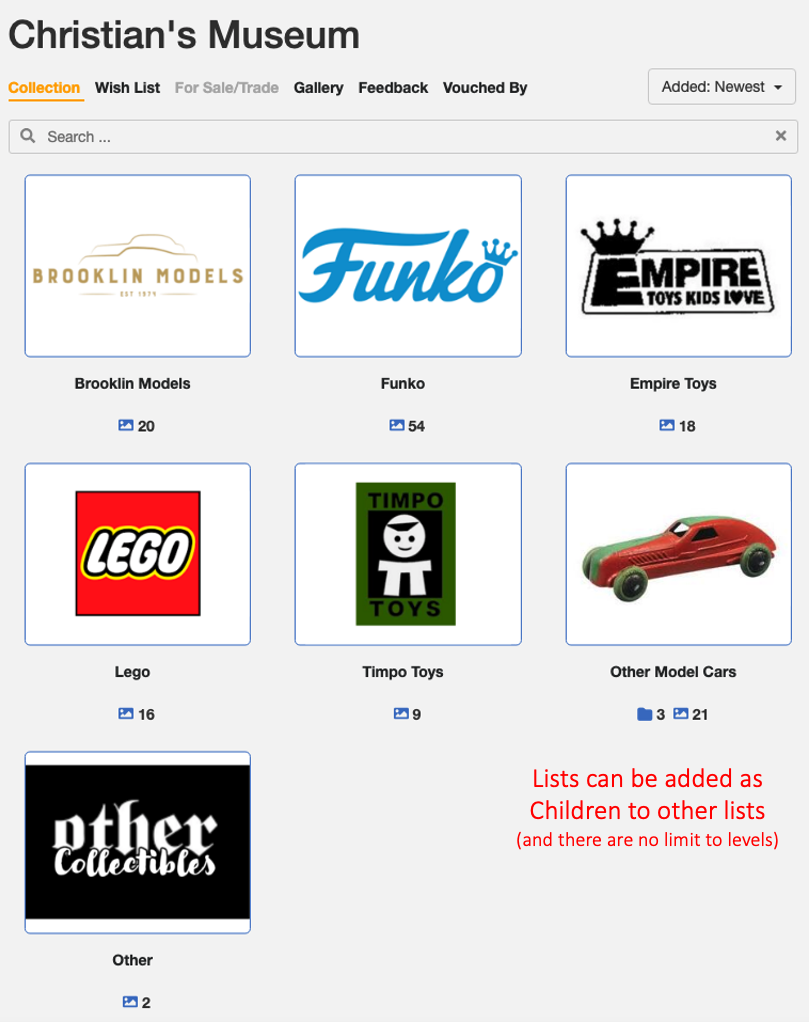
It is called List and Items as it shows your Lists on top and then items that are not in any Lists below that.
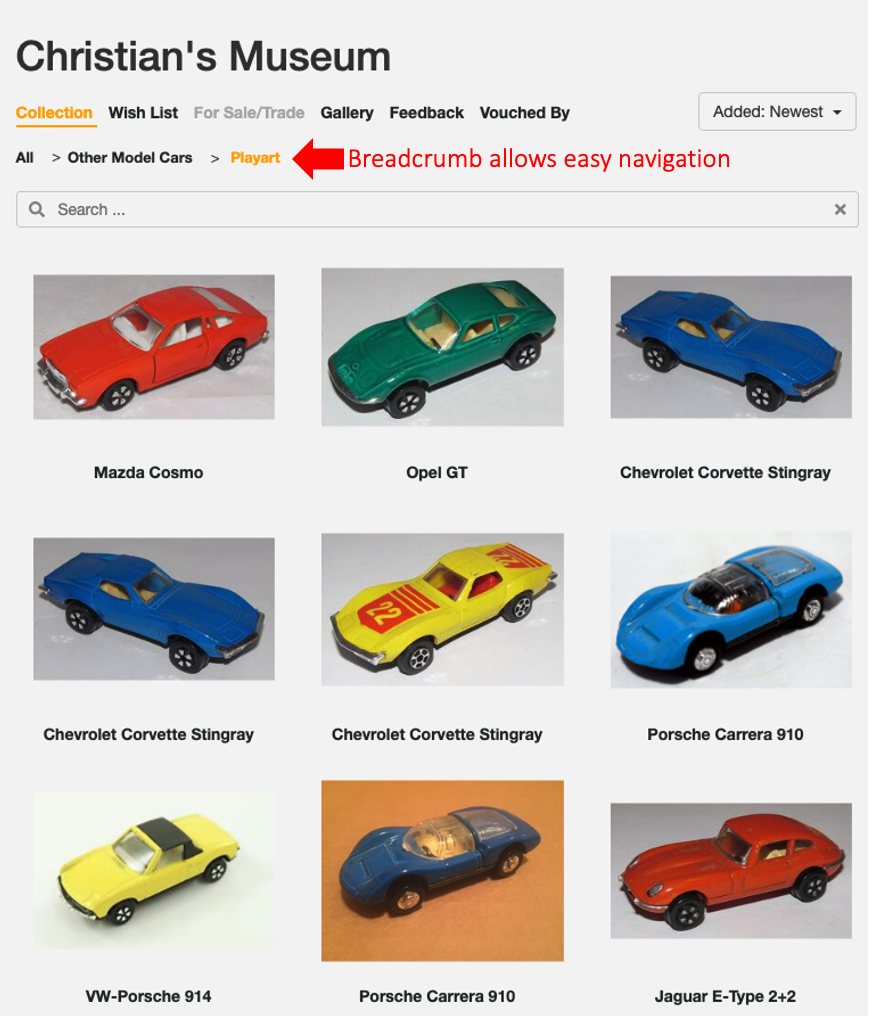
And if a viewer clicks on a List a new submenu appears -
You can toggle back and forth between these two views. Note that the Folder view benefits a lot from Folder Images. Read about how to create Lists and customize them for your Folder view here.